01
Collect your URLs.
Use the current page, select links or tabs, paste a list, or import a CSV.
 IndexToast
Capture a page, build a bulk list, and run the Index Checker with your IndexToast account.
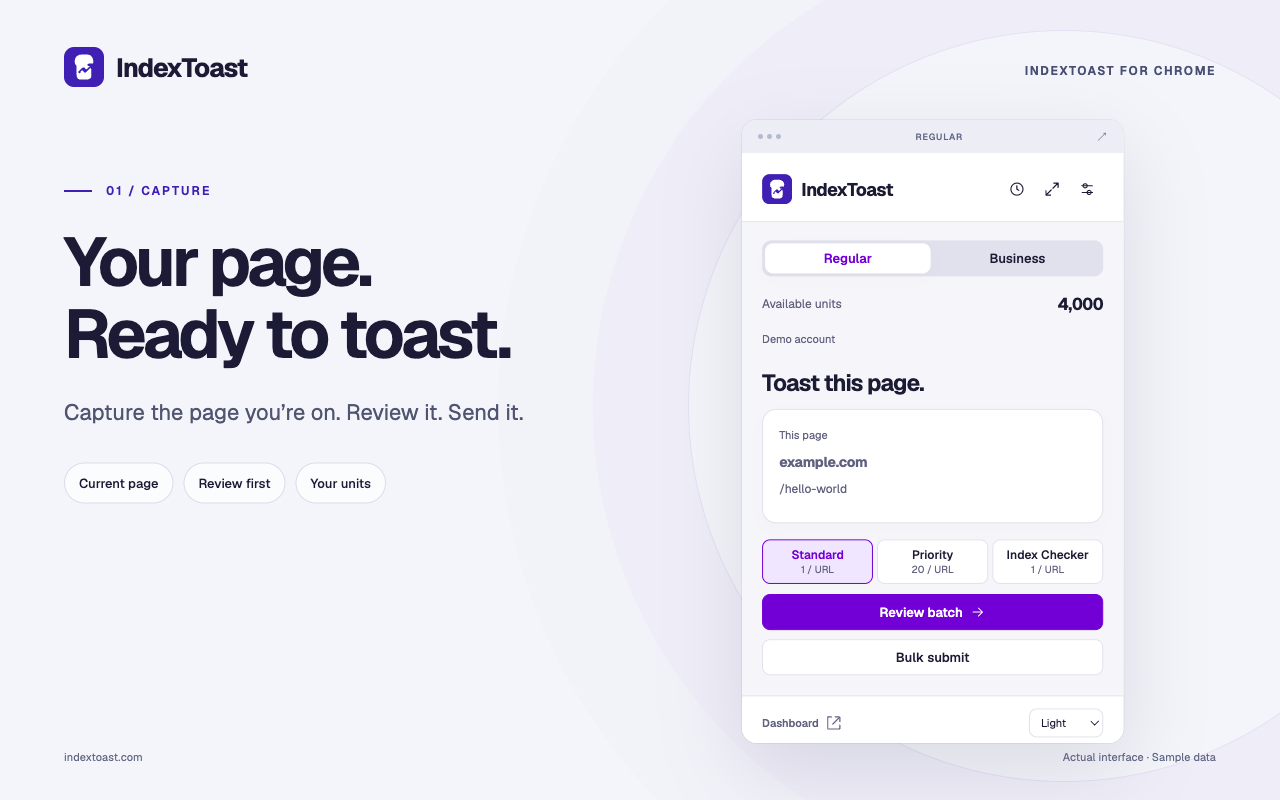
Your page to your workspace in three steps.
Use the current page, select links or tabs, paste a list, or import a CSV.
Choose Regular or Business, select an action, and review the exact units before confirming.
Open the side panel, follow per-URL results, and return to your dashboard for the full history.
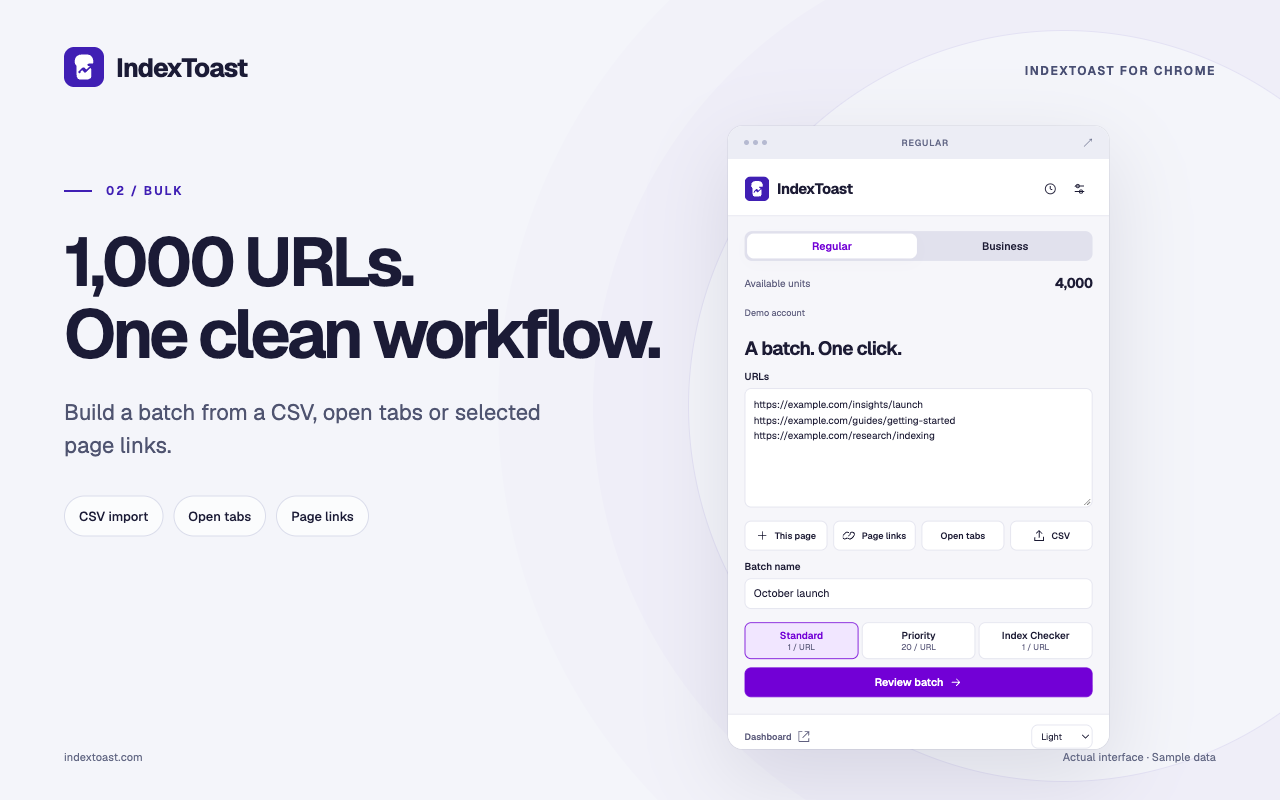
Capture the page you’re on. Open the side panel when the list grows. Your existing units power both.
New connections renew access automatically for up to 90 days. Revoke a browser from your account whenever you need.
Captured links stay in your draft until you confirm. No browsing-history collection. Tab selection and notifications are optional.
Read our privacy policyCapture the current public page, select page links or open tabs, paste a list, or import a CSV. Review up to 1,000 URLs per batch before sending.
Yes. Standard submissions and Index Checker requests use 1 unit per URL. Regular Priority and Business Boost use 20 units per URL. Submitting and checking are separate actions.
Yes. Switch workspaces in the extension. Business uses a selected client project. Each workspace keeps its own balance and draft.
New connections last up to 90 days, with automatic access renewal. Reconnect after the deadline. You can revoke a browser from your account at any time. Logout, password reset and account restrictions also stop access.
No. Page capture happens when you invoke the extension. Page-link and open-tab selection require your action, and selected URLs go to IndexToast only after you review and confirm.
Open-tab selection and completion notifications are optional. You can use current-page capture and pasted URLs without granting either permission.
No. Processing status and observed Google visibility are separate. Use the Index Checker to look for visibility evidence; search engines decide whether and when to index a page.
Open the IndexToast listing using the Chrome Web Store button above. Installation becomes available when Google publishes the listing. Connect your IndexToast account after installing.